
Are your customers abandoning product pages because choosing options feels complicated?
If your store sells products in multiple sizes, colors, or materials, the way you present WooCommerce Variations can directly affect conversions, engagement, and even return rates.
Variable products are powerful. But the default dropdown-based experience in WooCommerce doesn’t always provide the best user journey. In this guide, you’ll learn practical ways to improve variable product UX, simplify selection, and optimize your store for both users and search engines.
Why Variable Product UX Matters
When customers land on a product page, they expect clarity and speed. If they have to click through multiple dropdowns, guess which variation matches which image, or wait for pages to reload, friction increases.
Improving WooCommerce Variations display helps you:
- Increase product discoverability
- Reduce confusion during selection
- Improve mobile usability
- Boost long-tail SEO visibility
A smoother selection experience builds trust and shortens the buying journey.
Common UX Problems With Default WooCommerce Variations
Many WooCommerce stores rely only on dropdown menus for variation selection. While functional, they often create usability challenges.
Common issues include:
- Options hidden inside long dropdown lists
- No visual confirmation when selecting variations
- Page reloads during add-to-cart
- Variations not visible on shop or category pages
These small friction points add up and impact conversions.
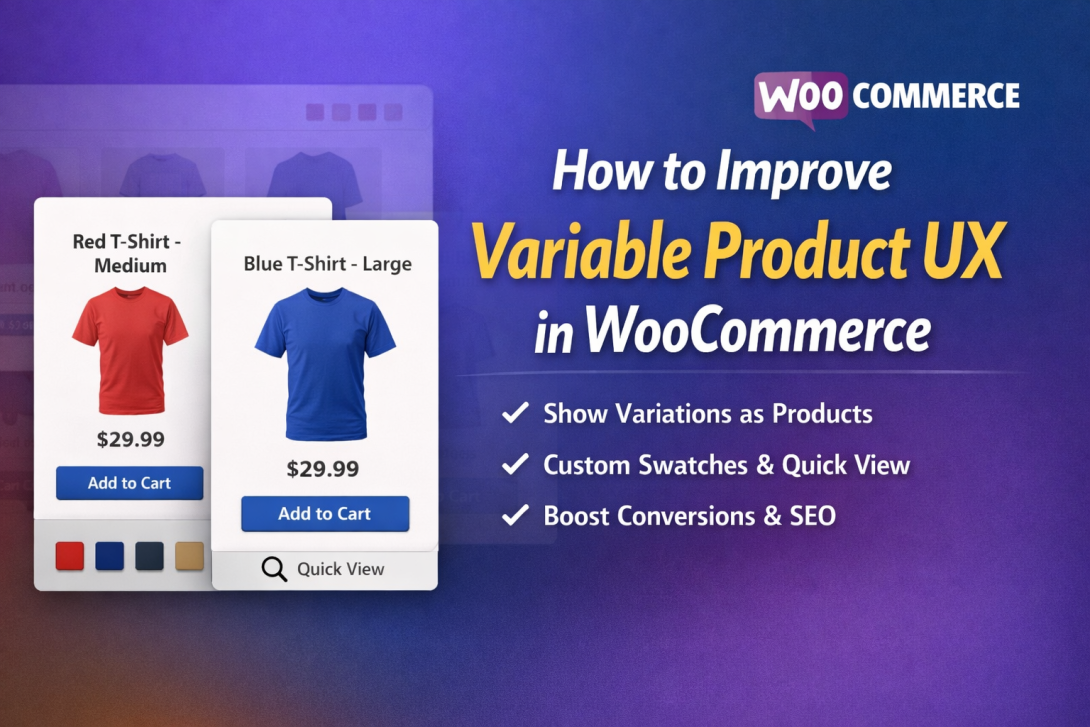
1. Display Variations as Individual Products
One of the most effective improvements is showing each variation as its own product listing instead of hiding them inside dropdown menus.
For example, instead of one product with hidden options, customers see:
- Red T-Shirt – Medium
- Red T-Shirt – Large
- Blue T-Shirt – Medium
This approach improves visibility on shop and category pages and makes filtering easier.
Solutions like Smart Variations and Attributes Display for WooCommerce allow store owners to present variations as standalone listings without duplicating products manually. This structure makes WooCommerce Variations easier to browse and compare.
2. Replace Dropdowns With Visual Swatches
Dropdown menus require effort. Visual swatches reduce that effort.
Instead of dropdowns, use:
- Color swatches
- Image-based swatches
- Label-style buttons
Visual selection feels faster and more intuitive. Customers instantly recognize what they’re choosing.
A smarter Custom Attributes Display for WooCommerce ensures attributes are presented clearly and interactively. This improves usability while maintaining a clean layout.
Swatches also work significantly better on mobile devices, where scrolling through dropdown lists can feel frustrating.
3. Enable Dynamic Image and Gallery Updates
Customers want visual confirmation.
If someone selects “Blue,” the product image should immediately switch to the blue version. Without this feature, buyers may hesitate or misunderstand what they’re ordering.
Dynamic image updates:
- Increase confidence
- Reduce product confusion
- Lower return rates
Improving how WooCommerce Variations update visually enhances trust and speeds up purchase decisions.
4. Add Quick View With AJAX Support
A modern ecommerce experience should feel seamless.
Instead of redirecting customers to separate product pages for every selection, enable:
- Quick view popups
- AJAX add-to-cart functionality
- Real-time price updates
With AJAX, products are added to the cart instantly without page reloads. This reduces friction and keeps users engaged.
Many WooCommerce-compatible tools integrate smoothly with WooCommerce, allowing you to upgrade the shopping flow without changing your theme.
5. Offer Dual Display Modes
Not every customer prefers the same browsing method.
Some shoppers like seeing each variation listed visually. Others prefer traditional dropdown selection.
Allowing users to toggle between variation view and dropdown view improves flexibility. A frontend switcher gives customers control over how they interact with WooCommerce Variations, enhancing personalization.
This small feature can significantly improve overall satisfaction.
6. Optimize WooCommerce Variations for SEO
Improving UX should also strengthen search visibility.
When variations appear as individual product-style URLs, they can rank for long-tail searches like:
- Blue cotton shirt large
- Black leather bag small
This improves:
- Indexability
- Long-tail keyword coverage
- Internal linking opportunities
A better structure for WooCommerce Variations supports semantic SEO and helps search engines understand product relationships more clearly.
7. Control Variation Visibility Strategically
Not all variations need equal exposure.
You might want to:
- Hide out-of-stock variations
- Highlight popular colors
- Promote high-margin options
Advanced Custom Attributes Display for WooCommerce tools let you manage which variations appear on shop, search, and category pages.
This level of control keeps your storefront organized and conversion-focused.
8. Prioritize Mobile Optimization
Mobile traffic dominates ecommerce today. Your variation experience must be mobile-friendly.
To optimize for mobile:
- Use large, tap-friendly swatches
- Avoid long dropdown lists
- Ensure fast AJAX performance
- Keep variation layouts lightweight
Improving WooCommerce Variations for smaller screens reduces frustration and improves engagement.
9. Keep Backend Management Simple
Frontend improvements should not complicate backend processes.
Look for solutions that allow:
- Global display settings
- Per-product customization
- Toggle options for parent products
- Adjustable label styles
Scalable backend controls help manage growing catalogs efficiently.
Practical UX Checklist
Before finalizing your optimization, make sure:
- Variations are visible beyond the product page
- Swatches replace basic dropdown-only selection
- Images update dynamically when variations change
- AJAX add-to-cart is enabled
- Mobile experience is smooth and responsive
If these elements are in place, your WooCommerce Variations UX is significantly stronger.
FAQs
1. How can I improve WooCommerce Variations without custom coding?
You can use specialized plugins that enhance variation presentation, add swatches, and enable AJAX functionality without altering your theme code.
2. Does better variation display improve SEO?
Yes. When variations are structured properly and accessible individually, they can rank for long-tail keywords and improve organic visibility.
3. What does Custom Attributes Display for WooCommerce mean?
It refers to presenting product attributes like color, size, or material visually instead of relying solely on dropdown menus.
4. Will showing variations separately harm SEO?
Not when implemented correctly. With proper structure and indexing, separate variation visibility can actually strengthen search performance.
5. Is AJAX add-to-cart necessary?
While not mandatory, it significantly improves the shopping experience by reducing page reloads and speeding up checkout.
Final Thoughts
Improving variable product UX is about clarity, speed, and smarter presentation.
By enhancing how WooCommerce Variations are displayed and implementing a better Custom Attributes Display for WooCommerce, you create a more intuitive and engaging shopping journey.
Small UX upgrades often lead to measurable improvements in conversions, customer satisfaction, and long-term SEO performance.