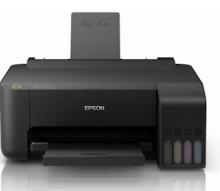
Getting a new laser printer is exciting, whether it's for your home office, a small business, or a startup. But if you're not familiar with the setup process, it can feel a little overwhelming. Don't worry—this step-by-step guide will walk you through everything you need to know to get your new laser printer up and running smoothly.
Step 1: Unboxing Your Laser Printer
Start by carefully unboxing your printer. Make sure all the components are included in the package. Typically, you should find: