

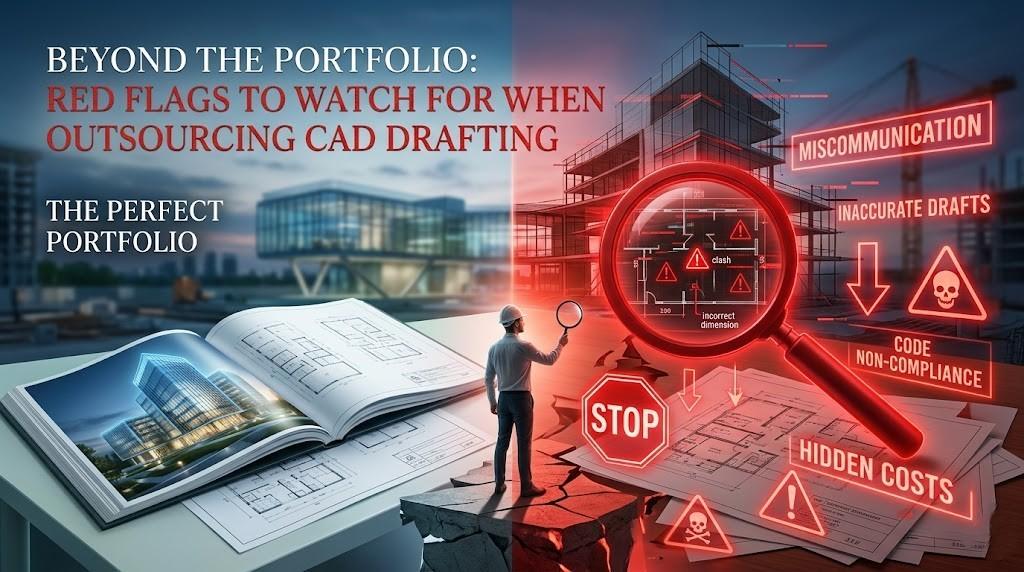
Let’s be honest: in the Architecture, Engineering, and Construction (AEC) world, we’ve all been seduced by a glossy portfolio. You see those crisp, high-definition 3D renders or perfectly layered floor plans, and you think, "Found them. This is the team."
But after fifteen years in the trenches of technical content and engineering documentation, I’ve seen those "perfect" partnerships turn into midnight damage-control sessions more times than I care to admit.
Outsourcing CAD drafting isn't just about finding someone who can use AutoCAD or Revit; it’s about finding an extension of your own firm. A beautiful portfolio is just the entry ticket—it tells you what they can do on their best day. It doesn't tell you how they handle a Friday afternoon deadline change or a complex structural clash.
If you’re looking to protect your margins and your sanity, you need to look past the renders. Here are the red flags that should have you hitting the "pause" button immediately.
1. The "Yes-Man" Syndrome (Lack of Technical Inquiry)
In engineering, "yes" is a dangerous word if it comes too quickly. If you hand over a conceptual sketch and the drafting team says, "No problem, we’ll have it done by Monday," without asking a single clarifying question about load-bearing specs, local building codes, or layer standards—run.
A quality partner should be slightly annoying. They should ask about:
- Project-specific BIM execution plans (BEP).
- Software version compatibility (there’s nothing worse than receiving a Revit 2024 file when your client is on 2022).
- Standard Operating Procedures (SOPs) for your specific region.
If they aren’t digging into the "how" and "why," they aren't drafting; they’re just tracing. And tracing leads to expensive RFI (Request for Information) loops later.
2. The Communication Black Hole
We’ve all been there. You send an urgent update, and… crickets.
When outsourcing, distance shouldn't mean disconnection. A massive red flag is a firm that doesn't have a structured communication protocol. Do they use Slack? Trello? A dedicated project manager? If your only point of contact is a generic "info@" email address, you’re in trouble.
What to look for instead: A reliable team will establish a cadence. You should know exactly who is sitting at the workstation and when they are available for a sync. If they can’t explain their workflow for handling revisions, they don't have one.
3. Opaque Quality Control (QC) Processes
"We check everything before it goes out" is not a QC process. It’s a pinky promise.
In the AEC industry, precision is everything. A single misplaced decimal point or a misaligned wall section can lead to site errors that cost thousands. When vetting a partner, ask to see their QC checklist.
- Do they have a multi-tier review system?
- Does a senior engineer sign off on the drafts?
- How do they handle "clash detection" in BIM models?
If their answer is vague, you are essentially paying to be their Quality Control department. You shouldn't have to redline their work for basic standard compliance.
4. Outdated Software or Lack of Tech Investment
CAD isn’t what it was ten years ago. If a firm is still trying to force 2D workflows onto a project that clearly requires a 3D BIM environment, they are holding you back.
The industry is moving toward "Digital Twins" and integrated project delivery. A red flag is a partner who seems hesitant to adapt to new Revit plugins or cloud-based collaboration tools like Autodesk Construction Cloud (BIM 360). You need a partner who stays ahead of the curve so you don't have to drag them across the finish line.
5. The "Too Cheap to be True" Quote
We all have budgets to meet, but in CAD drafting, you truly get what you pay for. If a quote comes in at 40% less than everyone else, they are cutting corners somewhere. Usually, it’s one of three places:
- Security: They aren't using secure servers or licensed software.
- Talent: They are using entry-level juniors with zero oversight.
- Time: They are rushing the job, which means the "cleanliness" of the CAD file (layers, blocks, scales) will be a nightmare for your team to edit later.
For a deeper dive into the nuances of vetting, it's worth choosing expertise and precision by understanding the specific factors that separate a mediocre firm from a true industry leader.
6. Ignoring Local Building Codes and Standards
Architecture is local. A drafter who is brilliant at US-based National CAD Standards (NCS) might struggle with the specific nuances of Australian Standards (AS1100) or UK-based ISO 19650.
A major red flag is a firm that claims they can do "any project anywhere" without explaining how they stay compliant with local regulations. If they don't ask about your local council requirements or specific structural codes, you’re going to end up with a beautiful drawing that is legally useless.
7. High Employee Turnover
This one is harder to spot, but it’s vital. CAD drafting is a relationship business. You want a drafter who learns your style, your shortcuts, and your preferences over time.
If you notice that you’re talking to a new project manager every three weeks, that’s a sign of a "churn and burn" shop. High turnover means a loss of institutional knowledge. You’ll find yourself explaining the same standards over and over again, which defeats the whole purpose of outsourcing.
8. Data Security and IP Concerns
Your drawings are your intellectual property. They are the blueprint of your business.
- Does the outsourcing firm have a robust Non-Disclosure Agreement (NDA)?
- How do they store your files?
- Are they using a secure VPN or encrypted cloud storage?
If they are sending files back and forth via free, unsecured file-sharing sites without passwords, they are putting your firm’s reputation (and your client’s privacy) at risk.
The "Clean File" Test: A Pro Tip
If you want to spot a red flag early, ask for a sample .dwg or .rvt file—not just a PDF. When you open it, check the "guts":
- Layers: Are they named logically or is everything on "Layer 0"?
- Blocks: Are they clean or "exploded" into a thousand tiny lines?
- Scale: Is everything drawn 1:1 in model space?
A messy file is a sign of a messy mind. If the back-end of the drawing is a disaster, you can bet the coordination on-site will be too.
Conclusion: Trust, but Verify
Outsourcing should be a relief, not a secondary job. By keeping an eye out for these red flags—the "yes-men," the poor communicators, and the tech-averse—you can filter out the hobbyists and find a partner who actually adds value to your workflow.
Your portfolio gets you the job, but your process is what keeps the client. Make sure your outsourcing partner feels the same way.