

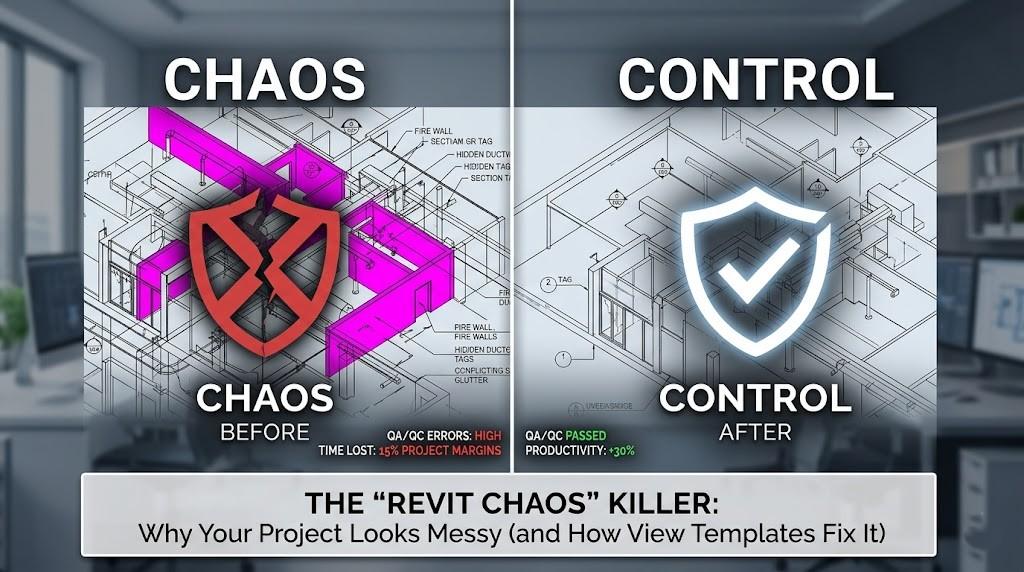
Imagine opening a Revit model on a Monday morning only to find that the fire-rated walls are magenta, the mechanical equipment has vanished from the floor plan, and the section tags look like they’ve been resized by a toddler. If this sounds like your typical project environment, you’re not alone—but you are losing money.
Recent industry data suggests that inconsistent Revit documentation can erode project margins by up to 15% due to manual overrides and QA/QC rework. In a high-stakes AEC landscape where 87% of contractors now believe digital automation will transform their business by 2026, manual graphic "polishing" isn't just a nuisance it’s a competitive liability.
The secret to killing this chaos isn't more training or stricter policing; it's the strategic deployment of Revit View Templates.
The True Cost of "Visual Noise" in AEC Projects
In the world of Building Information Modeling (BIM), visual clarity is the bridge between a digital model and a constructible reality. When a project looks "messy," it usually stems from a lack of graphical standardization across different disciplines and project phases.
Why Chaos Happens
Most Revit chaos is born from individual heroics. A junior architect changes the view range to see a clerestory window; a structural engineer overrides a beam's color to check a connection; a contractor hides a linked MEP file to clear up their screen. Without a centralized system, these temporary changes become permanent features of the drawing set.
According to research from industry leaders, firms implementing standardized view templates see a 20% to 40% boost in documentation productivity. Without them, managers spend roughly 30% of their review time fixing graphical errors rather than focusing on design intent.
Enter the "Chaos Killer": How View Templates Restore Order
A Revit View Template is essentially a snapshot of visibility and graphic settings that can be applied to any number of views instantly. It acts as a single source of truth for everything from scale and detail level to Visibility/Graphics (V/G) overrides and filters.
1. Enforcing Discipline-Specific Clarity
Architects need to see wall finishes; MEP engineers need to see ductwork; and structural engineers need to see load-bearing elements. A View Template ensures that every stakeholder sees exactly what they need.
If you are working on complex components, integrating high-quality Revit Family Creation into your workflow is essential, as even the best templates can't fix poorly built families that don't respond to visibility parameters.
2. Eliminating Click-Fatigue
Manually adjusting dozens of settings for every new section or plan is a recipe for burnout and human error. View Templates allow you to:
- Standardize View Scales: Ensure all 1:50 plans look identical.
- Control Linked Models: Globally manage how consultant Revit links appear.
- Manage Filters: Automatically highlight fire-rated walls or specific conduits based on parameters.
Strategic Implementation: Moving from Chaos to Control
Implementing View Templates isn't just about clicking a button; it’s about building a scalable system. For those wondering where to start, understanding the technical how-to is the first step. You can dive deeper into what is a view template and how to create it in Revit to get your hands dirty with the settings.
The Hierarchical Approach
To avoid template bloat, BIM Managers are now moving toward a Type-Phase-Scale hierarchy:
- Phase: Existing, Demolition, or New Construction.
- Type: Floor Plan, Ceiling Plan, Section, or 3D.
- Scale/Purpose: Schematic (1:200) versus Construction Documentation (1:50).
Beyond Graphics: The Business Case for Standardization
We’ve talked about the look, but let’s talk about the bottom line. In an era where AEC firms are pivoting toward Digital Twins and AI-enabled BIM, data consistency is the new gold.
If your views are messy, your data is likely messy too. View Templates rely on clean parameters. If a Fire Rating filter doesn't work because someone misspelled the parameter, the View Template reveals that data gap immediately. This makes templates an accidental, but highly effective, data auditing tool.
Actionable Takeaways for AEC Leaders:
- Audit Your Current Set: Pick your best-looking project and select "Create Template from View." This is your new baseline.
- Assign a Template Guardian: Don't let everyone edit templates. Lock them down so only BIM leads can make global changes.
- Standardize Naming: Use a prefix system (e.g., ARC_NP_1:50_FloorPlan) so users can find what they need instantly.
- Link with Family Standards: Ensure your component creation follows the same sub-category logic as your templates.
Conclusion: The Future is Automated
As we move toward 2026, the AEC industry is shedding its reputation for being digitally slow. With a growing number of AEC leaders already implementing Digital Twins, the demand for high-fidelity, standardized models is skyrocketing.