

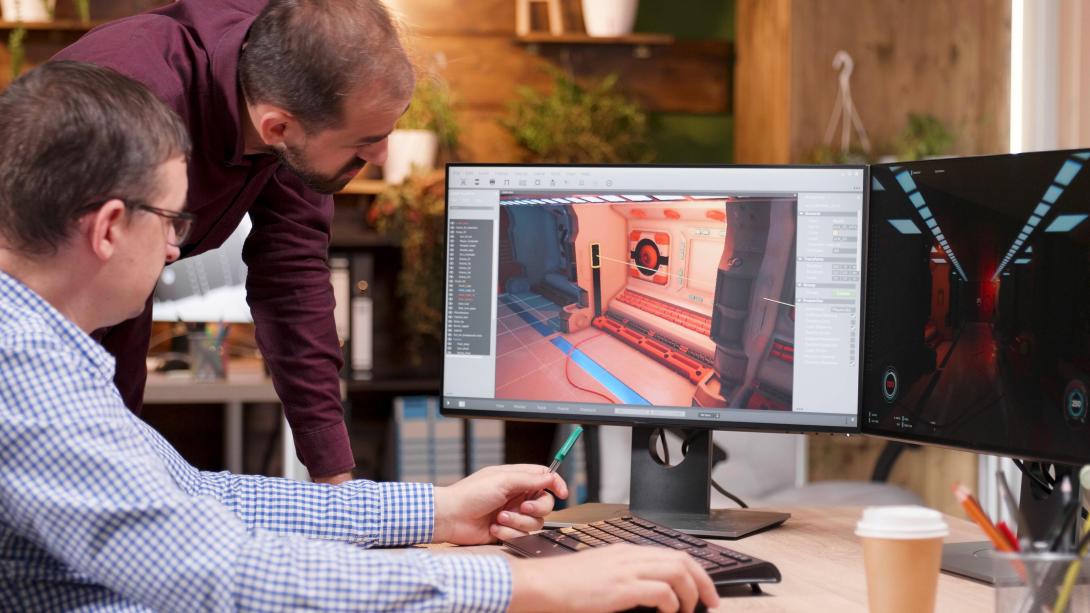
In the realm of design and engineering, precision and efficiency are paramount. Gone are the days when architects, engineers, and designers relied solely on manual drafting tools. Today, CAD drawing programs have revolutionized how professionals conceptualize, visualize, and execute their ideas. These software solutions offer robust features that streamline the design process, enhance accuracy, and foster innovation.
What Are CAD Drawing Programs?
CAD (Computer-Aided Design) drawing programs are software tools that enable users to create detailed 2D and 3D models. These programs are widely used across various industries, including architecture, engineering, product design, and manufacturing. They allow users to draft, model, and simulate designs with unmatched precision, making them indispensable in modern workflows.
Key Features of CAD Drawing Programs
- 2D Drafting and Drawing
Most CAD programs excel in creating detailed 2D drawings, which serve as blueprints for construction, manufacturing, and other processes. Features like layer management, dimensioning tools, and annotation options ensure clarity and organization in designs. - 3D Modeling
Advanced CAD software offers 3D modeling capabilities, enabling users to create realistic representations of their projects. From complex architectural designs to intricate mechanical components, 3D modeling enhances visualization and problem-solving. - Parametric Design
Many CAD programs support parametric design, allowing users to define relationships and constraints between elements. This ensures that any change in one part of the design automatically updates the related components. - Simulation and Analysis
Modern CAD drawing programs often integrate simulation tools to test the functionality and performance of designs under real-world conditions. This reduces the need for physical prototypes, saving time and resources. - Collaboration Features
With cloud-based CAD solutions becoming popular, teams can collaborate on projects in real time. Sharing, reviewing, and editing designs has never been easier.
Popular CAD Drawing Programs
There is a diverse range of CAD software catering to various needs and expertise levels. Here are some of the most popular options:
- AutoCAD
Developed by Autodesk, AutoCAD is one of the most widely used CAD programs. It offers comprehensive 2D drafting and 3D modeling tools, making it suitable for professionals across multiple industries. - SolidWorks
Ideal for mechanical design, SolidWorks excels in 3D modeling and simulation. Its intuitive interface and robust features make it a favorite among engineers and product designers. - SketchUp
Known for its user-friendly interface, SketchUp is popular among architects and interior designers. It focuses on 3D modeling and rendering, offering plugins to enhance its capabilities. - Revit
Another Autodesk product, Revit is tailored for architects and engineers working on building information modeling (BIM). It integrates 3D design with documentation and collaboration tools. - Fusion 360
This cloud-based CAD program is perfect for collaborative projects. Fusion 360 combines 3D modeling, simulation, and manufacturing capabilities in a single platform. - FreeCAD
For those seeking open-source solutions, FreeCAD is a versatile option. It is particularly useful for parametric 3D design and is ideal for beginners and hobbyists.
Benefits of Using CAD Drawing Programs
- Enhanced Precision
CAD software eliminates the inaccuracies inherent in manual drafting. Measurements, dimensions, and alignments are calculated to perfection, ensuring high-quality outputs. - Time Efficiency
With features like automated drafting, parametric design, and reusable templates, CAD programs significantly reduce the time spent on repetitive tasks. - Cost Savings
By simulating designs and identifying potential issues early, CAD software minimizes the need for costly physical prototypes and revisions. - Improved Collaboration
Teams can work together seamlessly, regardless of location, thanks to cloud-based platforms and version control features. - Versatility Across Industries
Whether it's designing a skyscraper, a car engine, or a piece of jewelry, CAD drawing programs cater to diverse applications, making them a universal tool in the design world.
Choosing the Right CAD Program
Selecting the best CAD software depends on several factors, including your industry, skill level, and budget. Beginners may prefer intuitive programs like SketchUp or FreeCAD, while professionals in mechanical engineering might opt for SolidWorks. Architects and BIM users would find Revit indispensable. Always consider trial versions and customer reviews before making a commitment.
Future of CAD Drawing Programs
The evolution of CAD software shows no signs of slowing down. Emerging technologies such as artificial intelligence (AI), machine learning, and augmented reality (AR) are being integrated into CAD platforms. These advancements promise more intelligent design suggestions, immersive visualization, and enhanced user experiences.
Conclusion
CAD drawing programs have transformed how designs are conceptualized, tested, and executed. They empower professionals to push the boundaries of innovation while maintaining efficiency and accuracy. Whether you are an aspiring designer or a seasoned professional, mastering CAD software is an investment in your craft and career. Embrace the power of CAD drawing programs to bring your creative visions to life with precision and flair.