

Pinterest is one of the most popular platforms for discovering ideas—DIY projects, cooking tutorials, fashion inspiration, educational videos, and more. With millions of creators posting engaging visual content every day, users often want to save Pinterest videos for offline viewing, personal use, or creative projects.
However, Pinterest does not provide a built-in “Download” button for videos. That’s why many people search for simple, safe, and fast ways to download Pinterest content using reliable online tools.
If you're wondering how to download Pinterest videos quickly, this comprehensive guide will walk you through every step. You’ll learn how Pinterest video links work, which tools are best for downloading content, and how to save videos in high quality—whether you’re using a phone or laptop.
What Are Pinterest Video Pins?
Pinterest began as an image-based platform, but video pins have grown dramatically in recent years. Video content helps creators tell richer stories and allows viewers to understand ideas more easily.
Types of Video Pins
Pinterest now supports multiple video formats, including:
- Short tutorial videos
- Product demos
- Reels-style short clips
- Recipe videos
- DIY guides
- Marketing content
Most videos are 6–60 seconds long, and they autoplay when you scroll. The platform’s algorithm also promotes video pins more frequently, making them very popular.
But despite Pinterest increasing support for video content, there’s still no official download option, which is why external downloader tools are essential.
Why Would You Want to Download Pinterest Videos?
Users download Pinterest videos for a variety of reasons. Some of the most common include:
1. Offline Viewing
Sometimes you want to rewatch a recipe or DIY tutorial when you're not connected to WiFi or mobile data. Downloading allows you to use the video anytime.
2. Save Tutorials for Later
Many videos contain detailed instructions. Having the video saved ensures you don’t lose access if the creator deletes the pin.
3. Educational or Personal Use
Teachers, students, and digital creators often save videos for research, presentations, or learning.
4. Reuse Content with Permission
Brands may download their own Pinterest uploaded content for reposting on other platforms.
5. Fast Access Without Searching Again
Instead of looking through thousands of pins, a downloaded video is instantly available.
Is Downloading Pinterest Videos Legal?
This is an important point.
Downloading Pinterest videos is legal as long as you follow these guidelines:
- Download only for personal use.
- Do not repost anyone’s content without permission.
- Respect copyright and original creators.
- Do not use videos commercially unless granted rights.
If you simply want to save tutorials or inspiration for private use, video downloading is safe and allowed.
How to Download Pinterest Videos (Step-by-Step Guide)
There are many tools available online for downloading Pinterest videos. But choosing one that is safe, fast, free, and user-friendly can be challenging.
One of the easiest tools is PinVids, a clean and powerful Pinterest video downloader. It allows users to save Pinterest videos in MP4 format without installing apps or extensions.
You can access it here 👉 best Pinterest video downloader
Below is the complete step-by-step process.
Step 1: Open Pinterest and Copy the Video Link
Whether you're using the Pinterest mobile app or the desktop version, copying the video URL is easy.
On Mobile App (Android/iOS):
- Open Pinterest and find the video you want.
- Tap the three dots (...) on the video pin.
- Select Copy Link.
On Desktop (Windows/Mac):
- Open Pinterest on your browser.
- Click the video pin to open it.
- Copy the URL from the address bar.
Your link will look something like:https://www.pinterest.com/pin/XXXXXXXX/
Step 2: Visit a Pinterest Video Downloader
Now that you have the video link, go to a downloader service. One of the best and most reliable is:
👉 PinVids.com — Pinterest Video Downloader
It is:
- Fast
- Free
- No signup needed
- Safe
- Supports HD MP4
- Works on all devices
Step 3: Paste the Link Into the Downloader
- Open the downloader website.
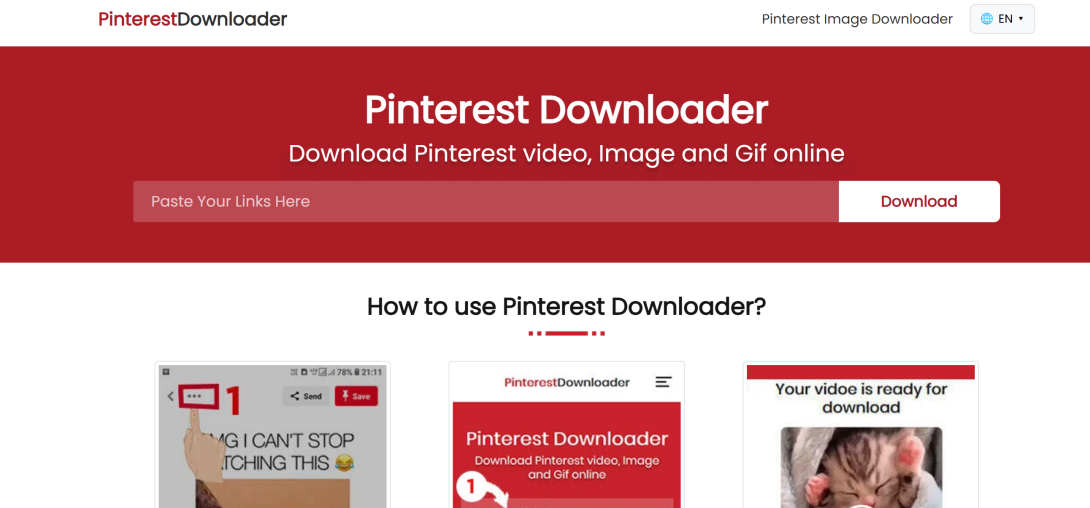
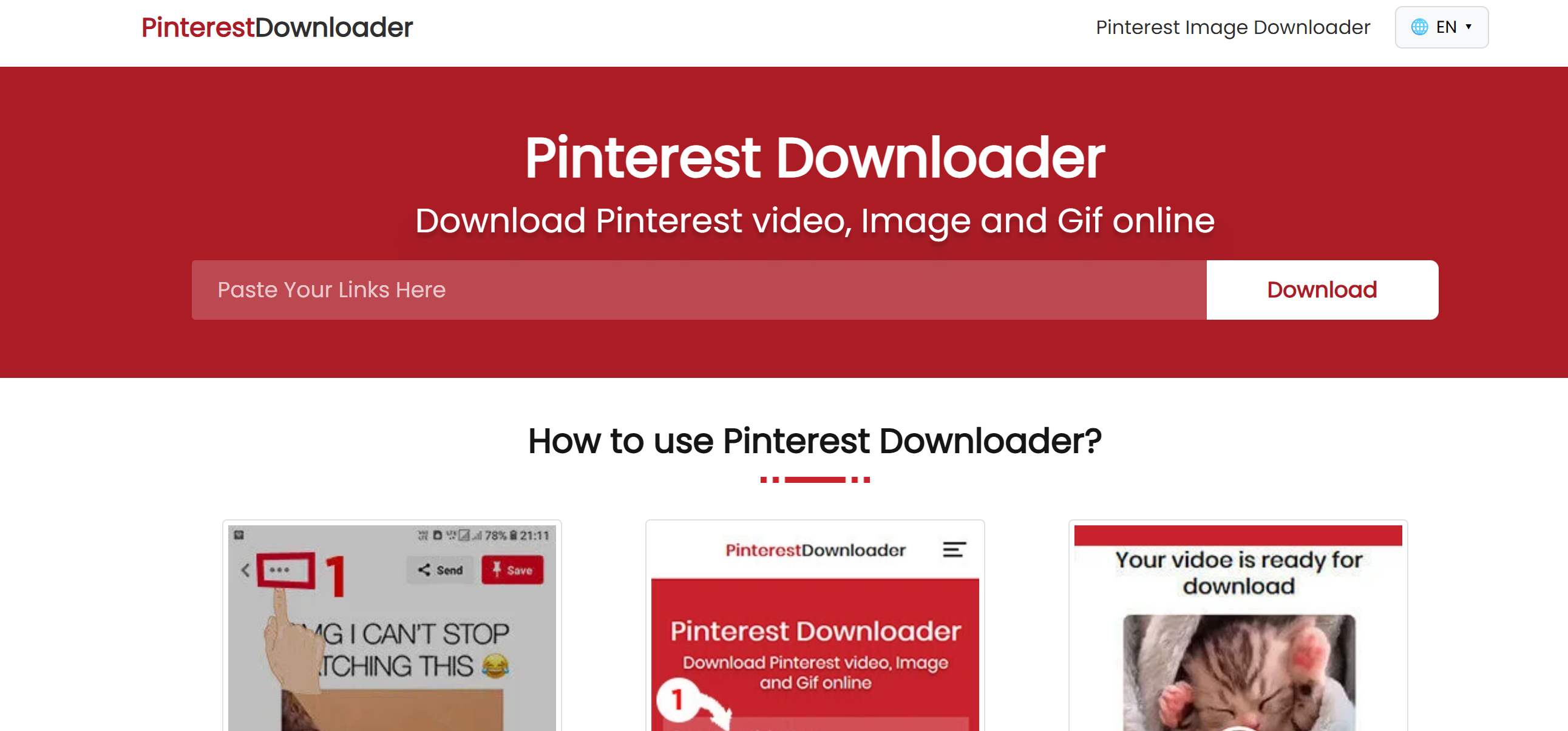
- Paste the copied Pinterest URL into the input box.
- Click Download, Convert, or Fetch Video—depending on the tool.
The system will automatically analyze the link and fetch the video file.
Step 4: Choose Download Format and Quality
Most downloaders provide:
- MP4 (video)
- HD or SD quality options
Choose the best quality available (usually HD for most Pinterest videos).
Step 5: Save the Video to Your Device
Click Download Video.
The file will start saving to your:
- Phone (Download folder)
- Laptop (Downloads folder)
- Tablet storage
Once saved, you can watch the video any time—even offline.
Best Pinterest Video Downloader Tools in 2025
If you're searching for a tool that is:
- Fast
- Secure
- Easy to use
…then online downloaders are your best choice. Most do not require registration and work instantly.
Here are some features to look for when choosing a downloader:
1. Free to Use
Avoid tools that charge money for basic downloads.
2. No Watermarks
A good downloader saves videos without branding.
3. HD Video Support
Pinterest videos are high-quality—your downloads should be too.
4. Mobile-Friendly
Most users access Pinterest on mobile phones, so the downloader must work smoothly on small screens.
5. Fast Processing
Some websites take too long to fetch videos. Choose one with instant processing.
Tips for Safe Pinterest Video Downloading
To keep your downloads safe and avoid problems, follow these tips:
Avoid Suspicious Sites
Use only trusted downloaders that don’t ask for login details or install apps.
Scan Downloaded Files
Though Pinterest videos are generally safe, always scan if unsure.
Do Not Re-Upload Without Permission
Always respect creators’ rights.
Use Downloads for Personal Use
Storing content offline for personal education or inspiration is fine.
Troubleshooting: Pinterest Video Not Downloading?
Sometimes users face issues. Here are common problems and fixes:
1. The Link Is Not a Video
Some pins look like videos but are animated GIFs. Only true video pins can be downloaded as MP4.
2. URL Is Broken or Private
Make sure:
- The video is public
- The link was copied correctly
3. Downloader Website Down
Try refreshing or using a different downloader temporarily.
4. Browser Restrictions
Some browsers block pop-ups. Disable pop-up blocker or try another browser.
Frequently Asked Questions (FAQ)
1. Can I download Pinterest videos for free?
Yes, using online downloader tools. Most services are 100% free.
2. Do Pinterest videos come with watermarks?
Pinterest does not add watermarks. A good downloader will save the video cleanly.
3. Can I download on iPhone or Android?
Yes, all mobile browsers support online downloaders.
4. Can I download Pinterest Idea Pins?
Some tools allow downloading Idea Pins, but not all.
5. Is downloading Pinterest videos safe?
Yes, when using trusted websites and not sharing content publicly without permission.
Final Thoughts
Downloading Pinterest videos is extremely useful for saving tutorials, inspiration, recipes, fashion ideas, home decor projects, and much more. While Pinterest doesn’t offer a built-in download button, you can easily download videos using online tools like PinVids.
The steps are simple:
- Copy the Pinterest video link
- Paste into a downloader
- Click download
- Save the video in HD
Whether you're a creator, designer, DIY lover, student, or just someone who enjoys collecting inspiring content, saving videos from Pinterest can help you stay creative and organized.